1. Open the live list
Open the map, choose the Field Boss or Exploration view, then select the boss. The live marker and server-side countdown are more reliable than copied screenshots.
2. Check server time
Record the displayed time in the server clock, not your browser timezone. Re-check after maintenance, a region change, or an announced restart.
3. Set a narrow reminder
Use a reminder five to fifteen minutes before the in-game time. Arrive early, confirm the marker and avoid publishing an unverified universal spawn hour.
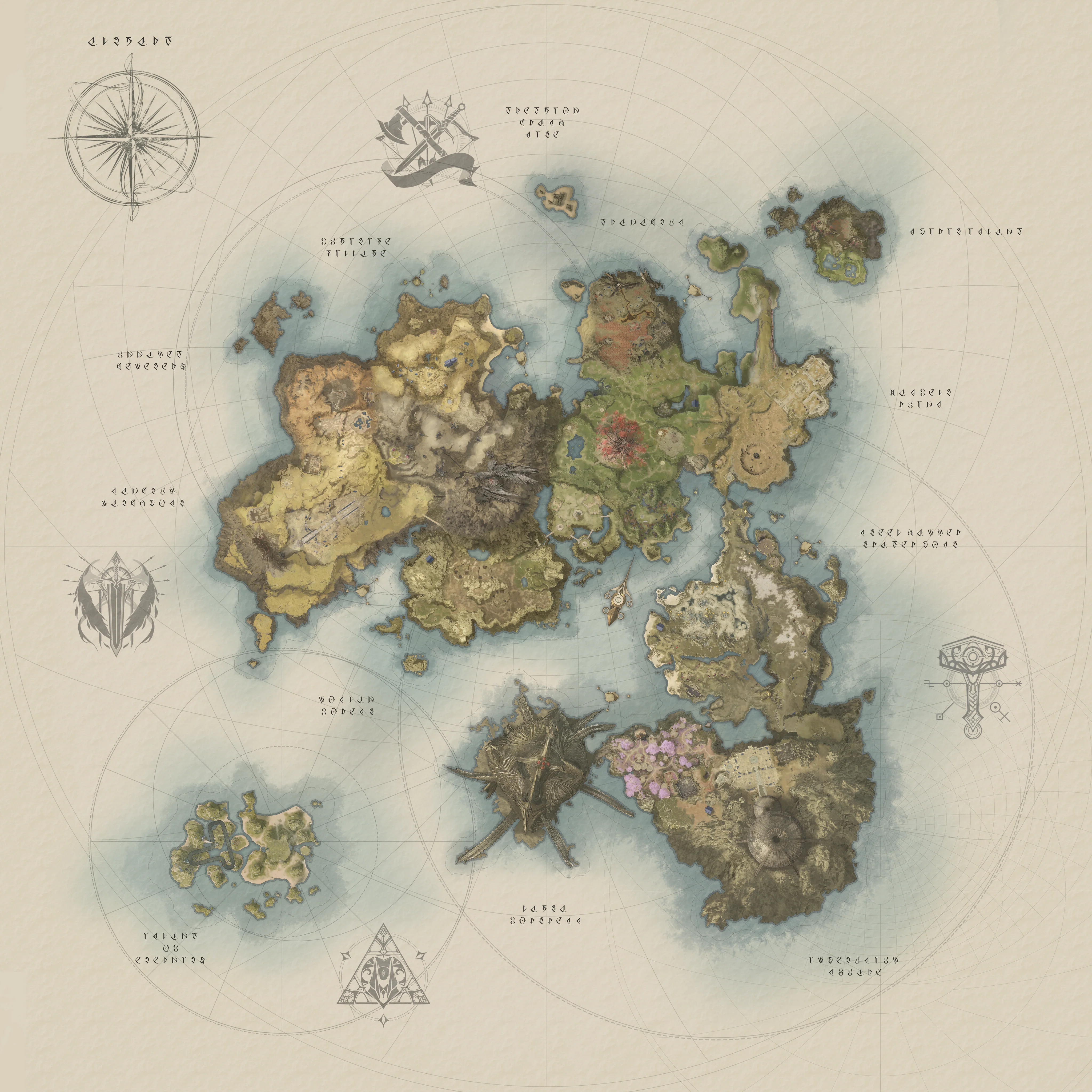
World Boss checklist
- Confirm the exact boss, region and faction access.
- Open the Field Boss view and read the current countdown.
- Travel before the reminder, then check whether the marker is still active.
- Bring the party setup required for the encounter.
- After maintenance, discard old notes and check the client again.
Why this page avoids a fixed timer table
Recent player discussions agree that boss timers are visible through the in-game map, while community databases can be useful for names and locations. They do not establish one permanent global schedule for every boss. This page therefore teaches the repeatable verification flow instead of presenting an aging countdown as fact.
World Boss Timer FAQ
Where is the live World Boss timer?
Open the in-game map and select Field Boss or Exploration. The active server countdown and marker should override external schedules.
Can I rely on an old boss schedule?
No. Re-check after maintenance or a restart, because availability and respawn conditions can change.